
How to Add an Amendment
In SoftMouse.NET you can add an amendment to your protocol by following these steps:
- Go to the Protocols List
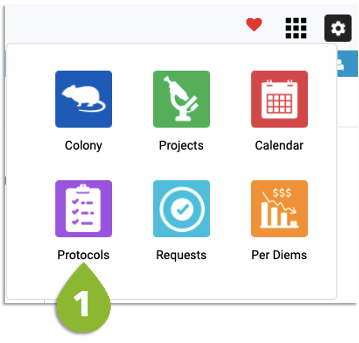
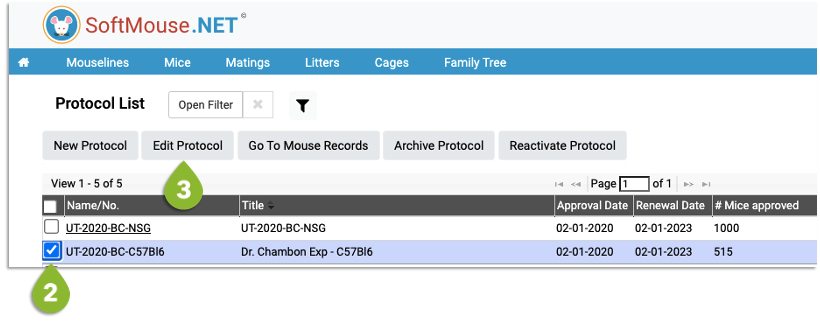
- Select the Protocol
- Click Edit Protocol
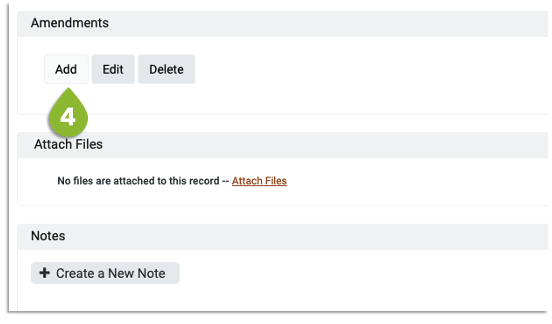
- Scroll down to the Amendments section and click on Add
5. Complete the following information:
- Name/No.
- Status
- Approval Date
- # of Mice approved
6. Click Submit
If you have any further questions, please contact us with your inquiry.