
How to Attach a file to a Protocol
You can follow these steps to attach a file to your Protocol:
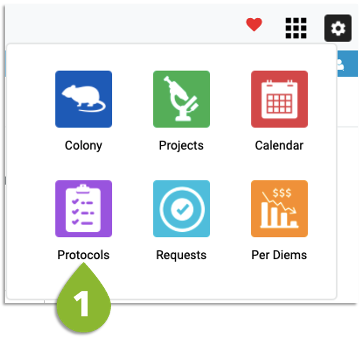
- Go to the Protocols List
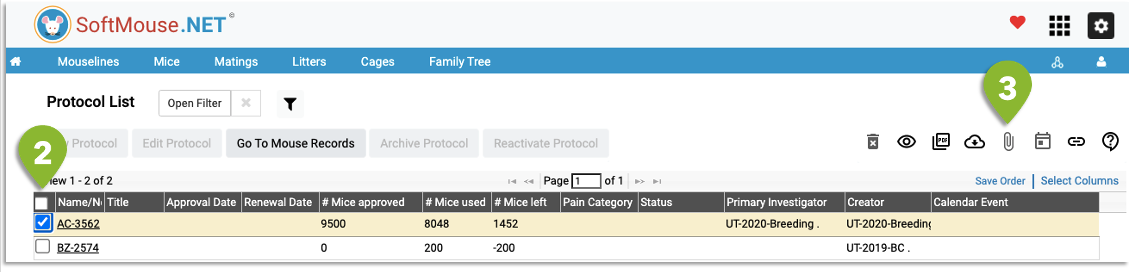
- Select the protocol
- Click on the Upload File icon (paperclip)
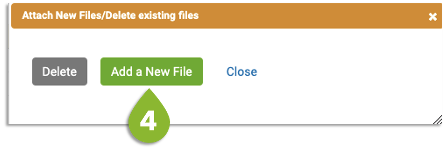
4. Click on Add a New File and choose the file you want to attach to your protocol
Done!
If you have any further questions, please contact us with your inquiry.