
How to Use the Activity History Log
The Activity History Log is a tool for Administrators to trace all updates made to the colony and study data within the account. This includes:
- What type of record was changed
- What specific change was made to the record (showing the old value and new value)
- Which user made the change
- The date and what time of the change
Note: The history log can retrieve data up to two months in the past. If you need to search back further than two months, please contact us at [email protected]
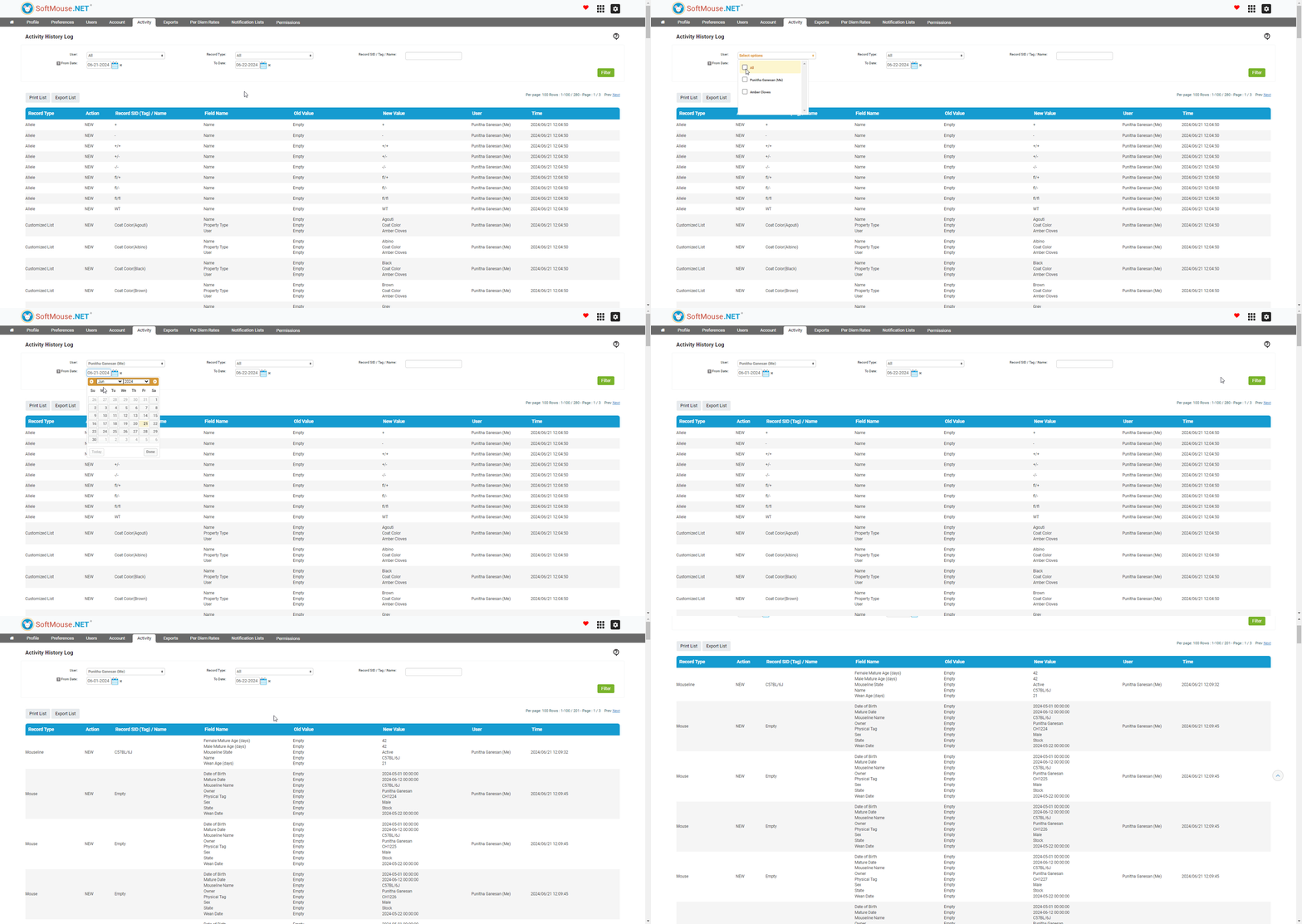
Here are the steps to view the Activity History Log:
- On the Homepage, click the Activity
- On Activity History Log, Select users from drop down
- Select Record Type from drop down
- Select the From and To Date from drop down
- Click Filter
All done! The below table will display the relevant updates to the database.
If you have any further questions, please contact us with your inquiry.