
Using A QR Reader to Scan Cage Cards
QR codes are automatically generated links that can be scanned via mobile device to send you directly to that cage record.
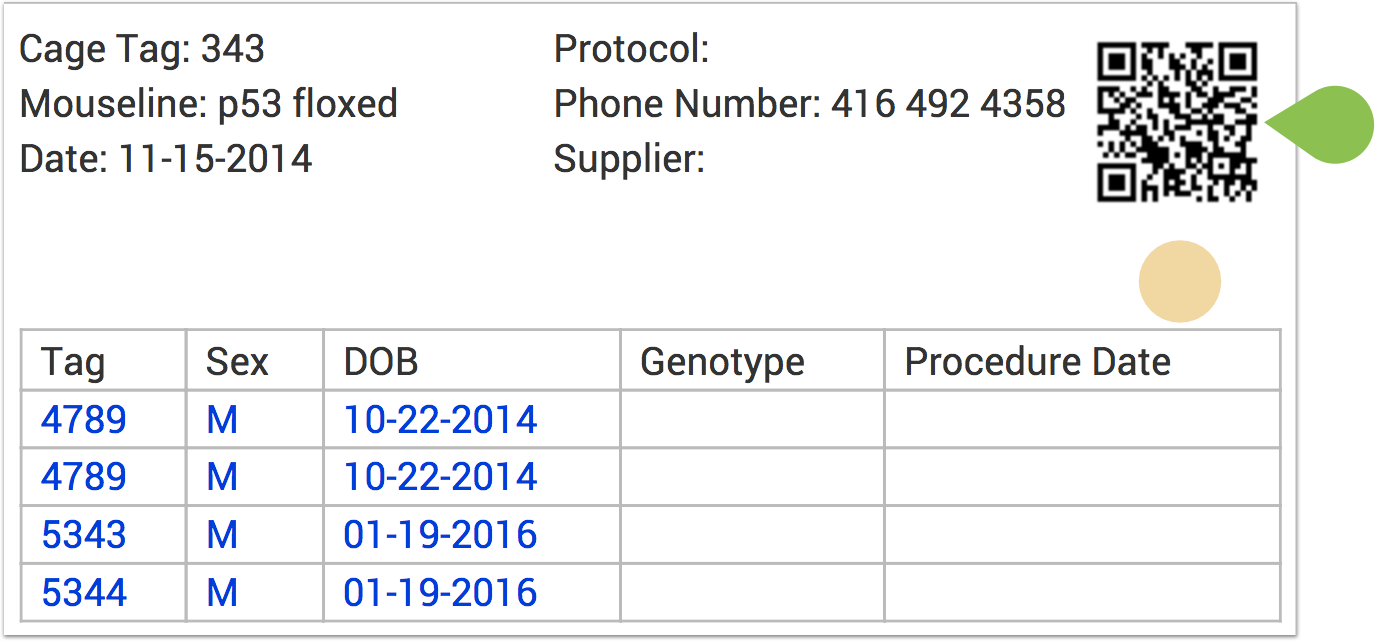
To see how to enable the QR Code on your age Cage Cards, click here.
To scan the QR code once the card has been printed, you simply need to utilize your tablet or mobile device's native QR scanner, most commonly found in the Camera settings of your device.
If you have questions on how to access your device's QR Code Scanner, please feel free to reach out to our support team at [email protected].
Follow these steps to scan the QR code on the Cage Card:
- Open the QR scanner app on your device
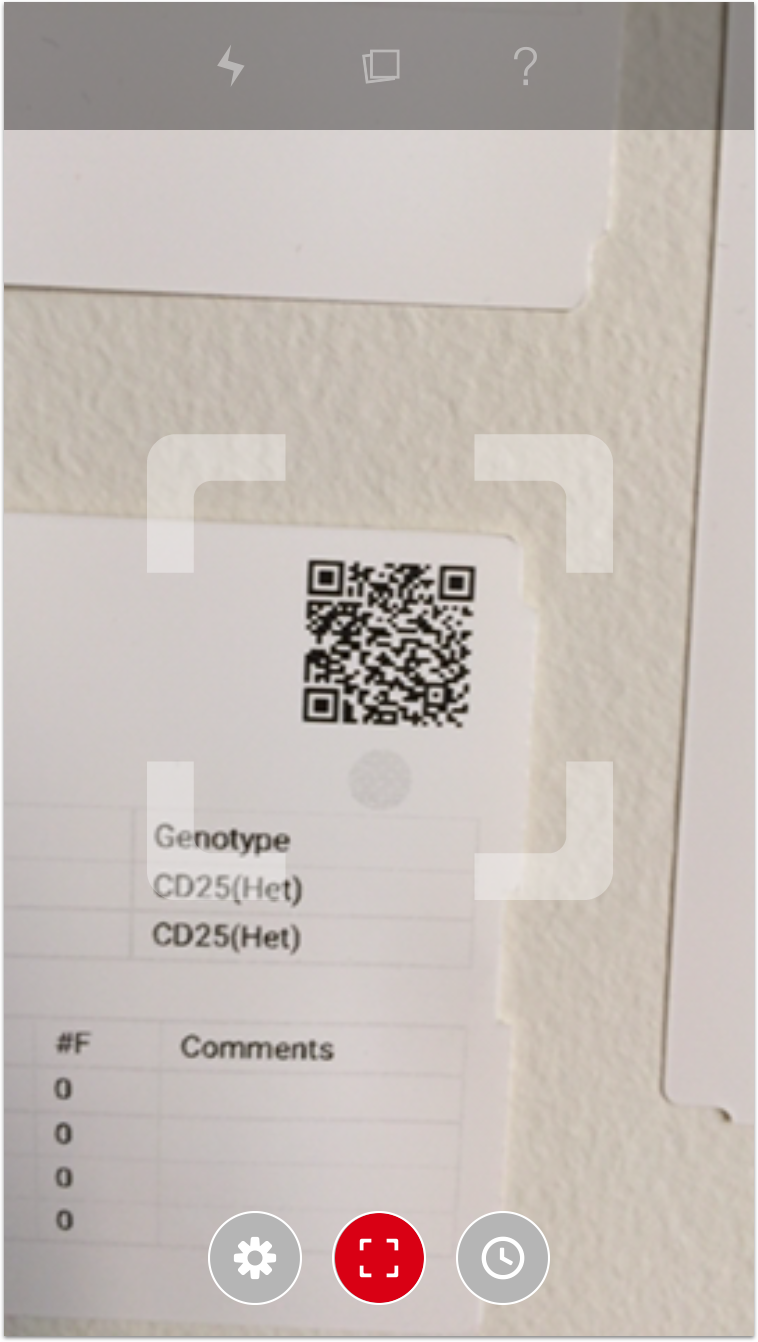
- Hold the camera of the device in front of the QR code box on the card and wait for the image to focus
- You will receive an audio notification on your device that the card has been scanned and then a web browser window will open
- If you are already logged into your SoftMouse account, it will take you to the edit cage page of the cage you just scanned. Otherwise it will prompt you to login to your SoftMouse account, after inputting your credentials, you will then be automatically taken to the edit cage page.
If you have any further questions, please contact us with your inquiry.