
Set General Preferences
The first thing you'll want to do after signing up for a SoftMouse account is customize it to ensure that your account is configured to your standards!
First things first, set up some general preferences as follows:
- Click the Preferences menu in the admin section of your account (grey header menu)
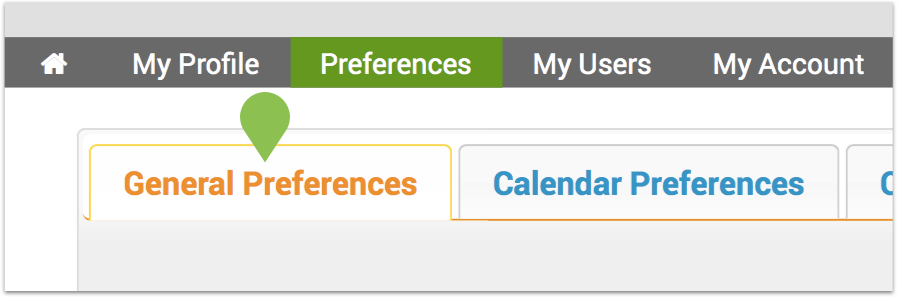
- Email Preferences: Turning this setting to 'yes' will generate our welcome email series with tips and recommendations about how to get the most out of SoftMouse.NET

- Rows Per Page: The recommended setting for optimal page loading performance is to display 100 records per page. Anything above that will gradually begin to slow down the loading of your list pages.

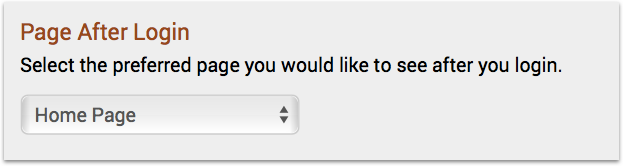
- Page After Login: Most popular pages to view after login include the Calendar or the Litter List as these pages will give you a quick view of the activities that need to be done for the day so that you can directly get into your work and minimize your clicking!
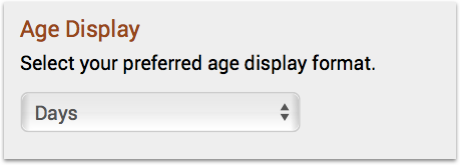
- Age Display: Ensure all animal ages are displayed in a manner that is optimal for you to quickly select animals for age-specific experiments or matings. Note that even if you choose to display the age of your animals in days, you can still filter and search for them based on weeks, months or even years (if needed!).
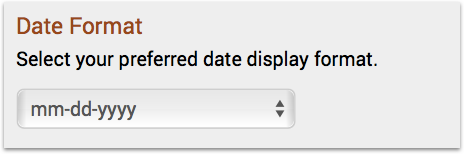
- Date Format: You may have a preferred way in which to quickly visualize important dates. All dates in SoftMouse, e.g. Date of Birth, Mating Set up Dates, Wean Dates, will display based on your preference selected below.
- Pre-Selected Owner for Filters: In group accounts, you may have all of your lab's animals housed under one owner, e.g. Ayres Lab Mice. In this scenario, each lab member can set their preference to filter all lists by this owner by default, thereby directly entering into the lab's colony after logging in.

- Language Setting: Currently SoftMouse is available in English and in French. If you prefer to use SoftMouse in a different language, simply let us know!

- Animal Setting: Currently SoftMouse can be used for Mice, Rats, and Fish. We also have an Animal setting for groups working with multiple species or whose animals do not fit in the above categories.

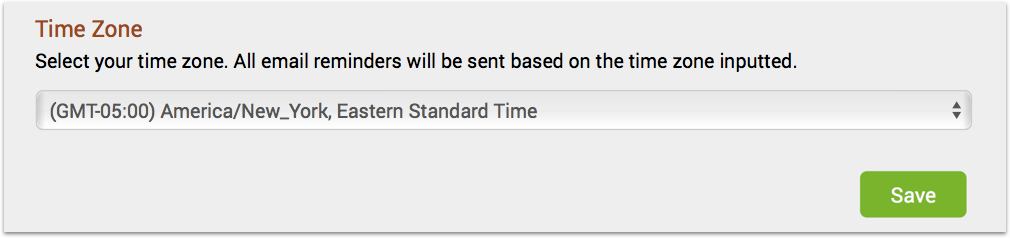
- Time zone: Based on your time zone preference, your calendar reminders will be sure to arrive on the correct date and time!
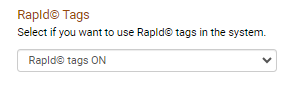
- Rapid© Tags: Select this setting if you use Rapid Tags in your colony. For more information on Rapid Tags, click this link!
- Copying SID to Tag on Owner Transfer: When transferring animals to another user, if you want the SID to be copied over to the Animal Tag, select yes.

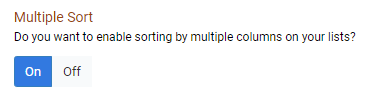
- Multiple Sort: This feature works as a nested sort in that you can sort by one column then click the header of a second column, which will be sorted within the existing sort of the first column. For example, you can sort by DOB within a sorted Mouseline. For more information on how this works, see this link!
- Mouse SID Setting: You can customize if animal SIDs are unique between users or your whole group.

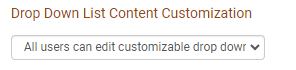
- Drop-Down List Content Customization: Admins can set parameters for which users can have the ability to customize Drop-Down List Content.
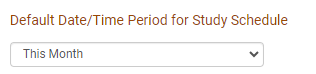
- Default Data/Time Period for Study Schedule: Set the default time period showing on the Study Schedule Page
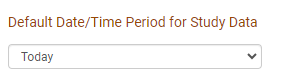
- Default Date/Time Period for Study Data: Set the default time period showing on the Study Data Page.
- Click Save to save all preferences to the database
Browse through other customization options on the left side panel to ensure that your account is configured as you want it so that you get the most out of your colony data!
If you have any further questions, please contact us with your inquiry.